


What’s new in Workinno?
We keep improving. Here are the highlights of what recently went live.
Dock theme, sharing and tables
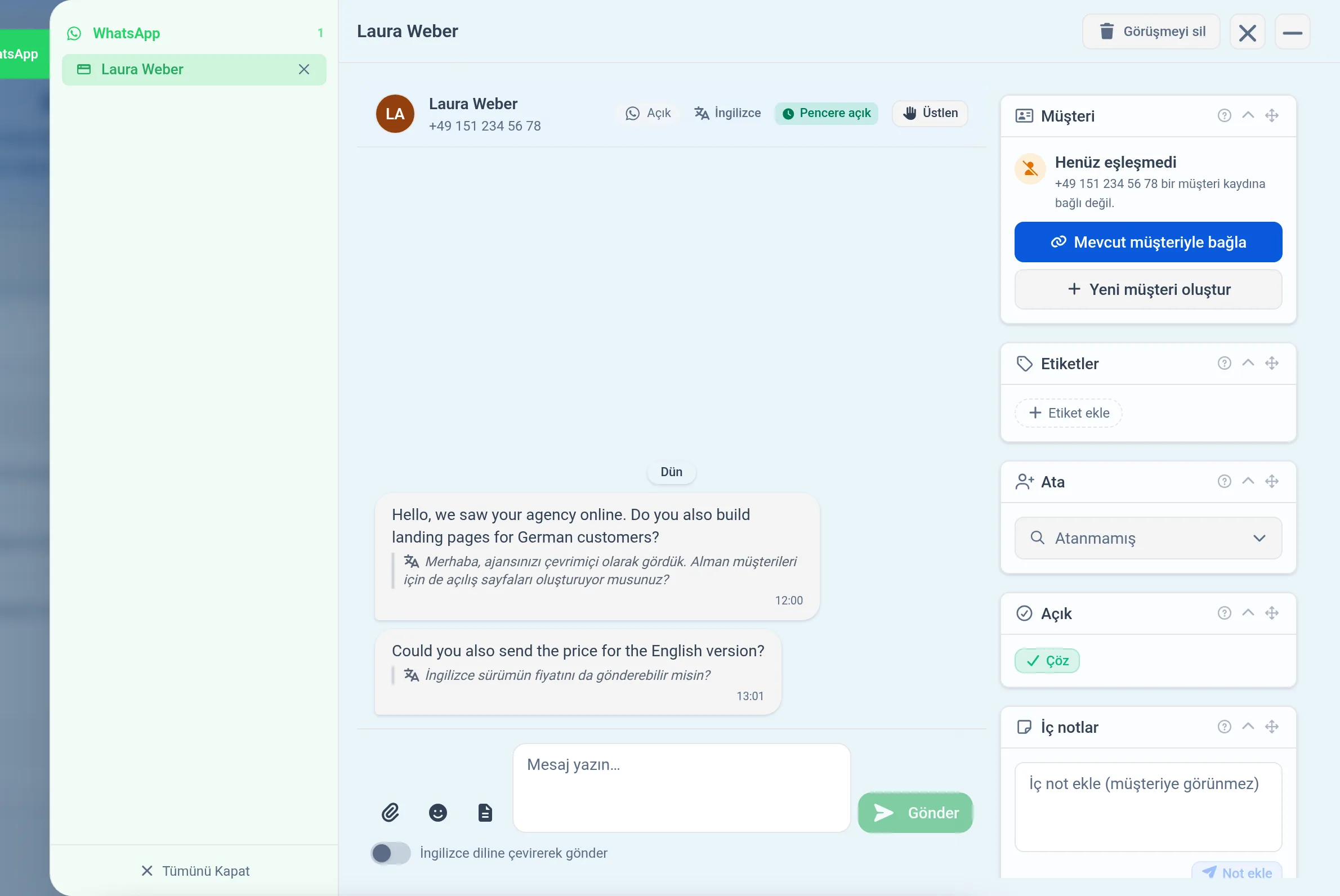
The Dock follows the page theme
By default, the Dock and the notification bubble now appear light or dark together with the page theme. If you prefer, you can choose a fixed light or dark theme in the Dock settings.
Images and videos on shared pages
Images open properly again on shares with downloading turned off. When a video or audio file cannot be played, you see a notice and a download link instead of an empty player.
Exact estimated time
A task's estimated time is shown exactly as you saved it, without rounding. You can also edit a custom duration again after saving it.
Long names in tables
Long names that don't fit are shortened with an ellipsis, and the full name appears when you hover over it. On narrow screens, the name column no longer spills over the rest of the table.
A more readable sidebar
Sidebar text stands out more clearly in the colored themes. In the light theme, the tab name that appears when you hover over the Dock is also easy to read.
Language support, accessibility and forms
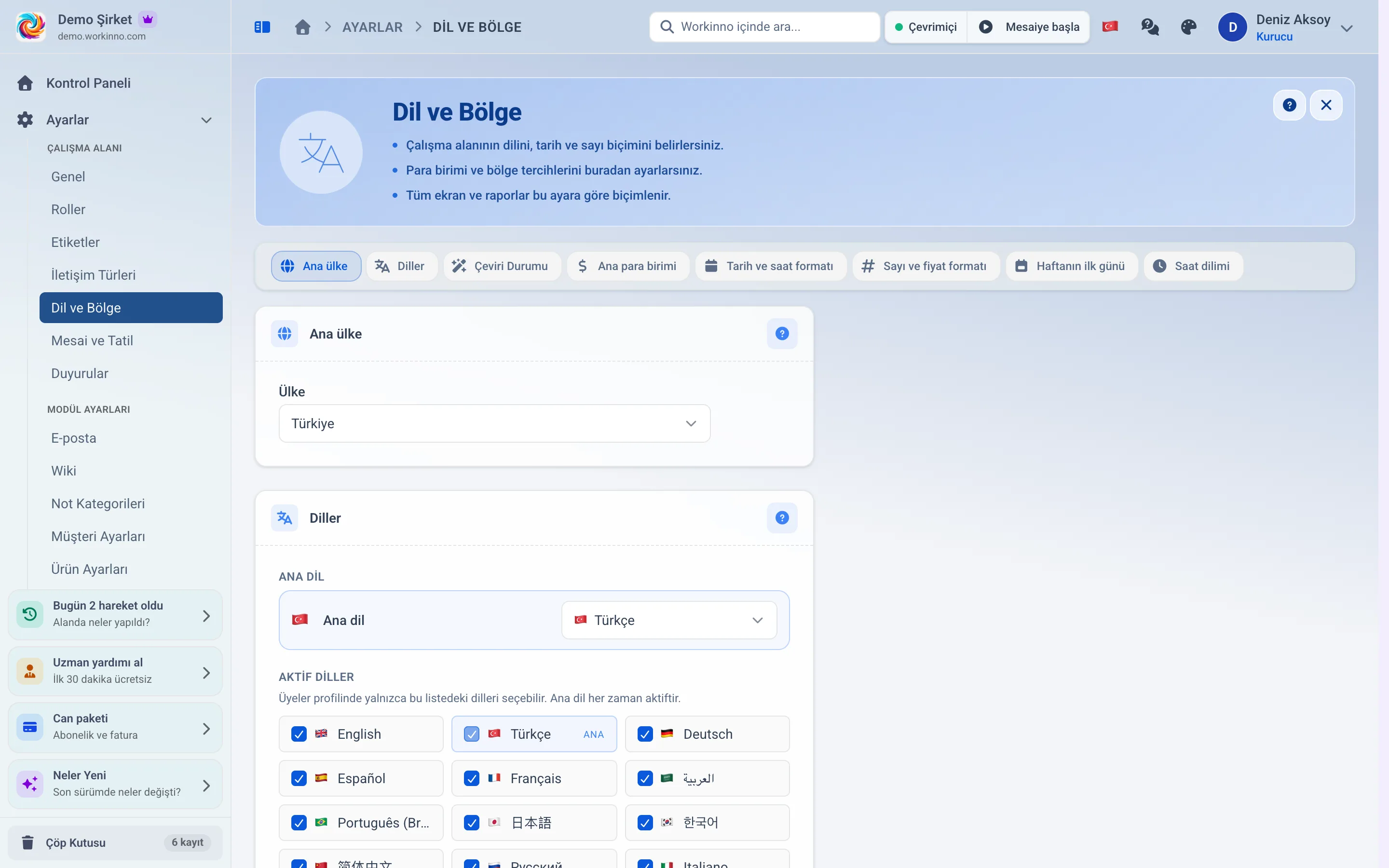
Dates and numbers in your language's format
Dates, times, percentages, amounts and file sizes follow the rules of your chosen language on every screen. The date of all-day tasks no longer shifts with the time zone.
Arabic interface flows right to left
When you use Arabic, screens, menus and the timeline flow from right to left. Drag and drop and the date axis work in the same direction.
The same name on every screen
Each concept now has a single name on every screen in all 14 languages. Broken or misleading translations have been corrected.
Easier to use with a screen reader
When you drag and drop a card, the screen reader announces the card and where it was dropped. Status dots are read aloud as well.
Tidier forms
Form errors appear only inside the form, not a second time in the corner. On long panels the Save bar stays fixed at the bottom of the screen, and pressing Enter twice quickly sends a single save.
You see the result of your action
When you remove a link or delete a comment, a short confirmation message appears. You no longer have to guess whether it worked.
Cents in currency fields
If you type cents into a currency field that only accepts whole amounts, you now see a warning. The amount no longer changes silently.
Dashboards, setup and payment
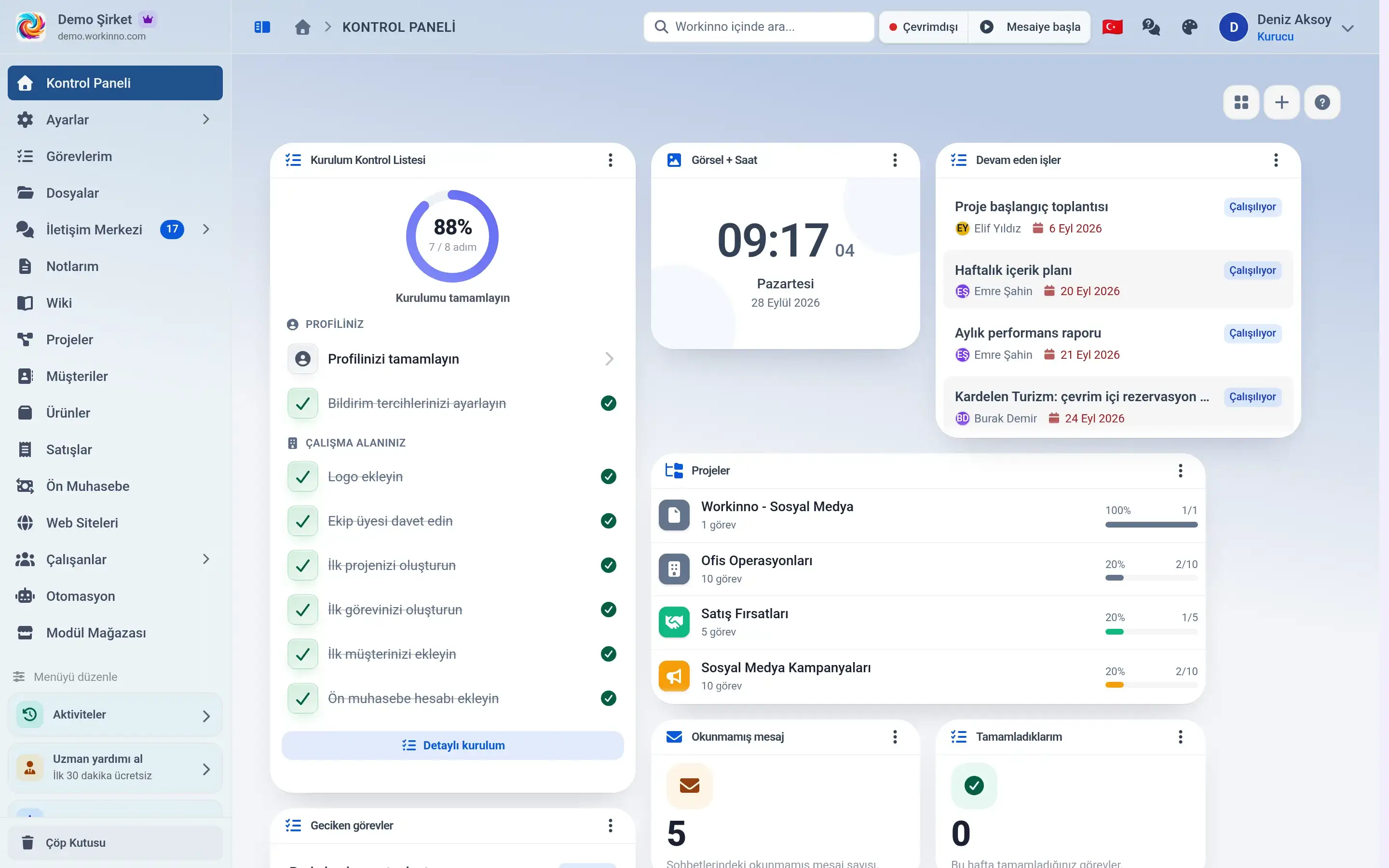
Rename and delete your personal dashboards
You can now edit your own dashboards after creating them. Changing the name or removing one no longer means building it again.
Setup wizard now fits on one page
Choosing a plan, paying and setting up your workspace now happen in a single flow. The payment step no longer asks which workspace you mean.
Invoices in your customer's language
Invoice lines appear in the language the customer selected in their workspace. If you sell abroad, the invoice no longer needs translating.
Dashboard cards no longer break on small screens
Cards overlapping and the bottom row being cut off in a narrow browser window is fixed. Card sizes also stay where you leave them.
Dashboards that looked empty
When no data came back from the server, dashboards looked like "no records". Truly empty and unreachable are now shown differently.
Multilingual content
Labels, types and custom fields in fourteen languages
Content you create yourself now appears in the language of everyone in your workspace, including one-click translation with AI.
Inno and file security
Inno: the AI that knows your workspace
The assistant that knows your tasks, customers and files now lives in every module. Ask in everyday words and get an answer.
Uploaded files are scanned for viruses
Scanning runs on our own servers, and nobody can reach a scanned file until it comes back clean. Video, audio and very large files pass without scanning.
Automation 2.0 and linked records
Set up automation rules without code
You pick from a list what happens, under which condition and what should be done. For example, when a task is completed, its owner is notified.
A customer's whole history in one place
Customers, tasks, invoices and files are linked to each other. Open a customer and you see everything related on the same screen.
